AI sticker maker for Roblox avatars
Turn your Roblox avatar into stickers
Find your avatar, choose a look, and create a custom sticker pack ready to save and share.

How StickerBlox works
From avatar to sticker pack in three steps
StickerBlox makes it easy to create shareable stickers from the Roblox avatar you already use.
- 01
Find your avatar
Search by Roblox username or paste a profile link to load the public avatar.
- 02
Choose a style
Pick a visual direction such as chibi, pixel art, gothic, tattoo, or plush.
- 03
Save and share
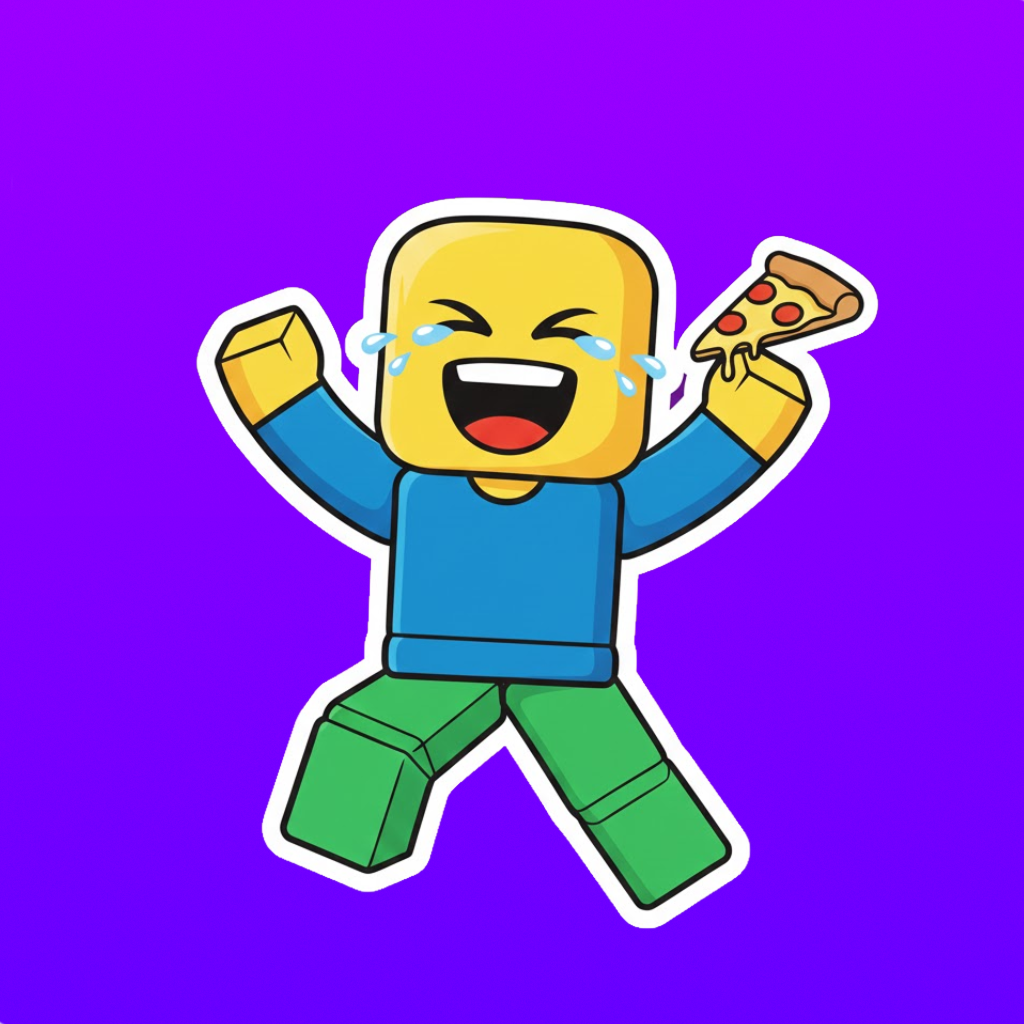
Generate transparent PNG stickers with a clear border and share them anywhere.
Inside the app
Build a pack that looks like you


StickerBlox questions
What to know before turning your avatar into a sticker pack.
What is StickerBlox?
StickerBlox is an iPhone app that turns a public Roblox avatar into a custom AI-generated sticker pack.
Do I need my Roblox password?
No. StickerBlox uses a public username or profile link to find the avatar. Never enter your Roblox password into StickerBlox.
What sticker styles can I create?
Available styles include chibi cartoon, pixel art, tattoo-inspired, gothic, and fabric or plush looks. The available selection may change as new styles are added.
Do the stickers have transparent backgrounds?
StickerBlox creates PNG stickers with transparent backgrounds and a clear border so they are easy to use in chats and social posts.
Is StickerBlox affiliated with Roblox?
No. StickerBlox is an independent app and is not affiliated with or endorsed by Roblox Corporation.
Ready to turn your avatar into a sticker pack?
Download StickerBlox, find your Roblox avatar, and choose your first style.