StickerBlox guide
Turn Your Roblox Outfit into Custom Stickers
An avatar outfit is a visual identity: colors, hair, hats, layered accessories, and small choices that make the character yours. StickerBlox uses that visible look as the reference for a new set of expressive stickers.
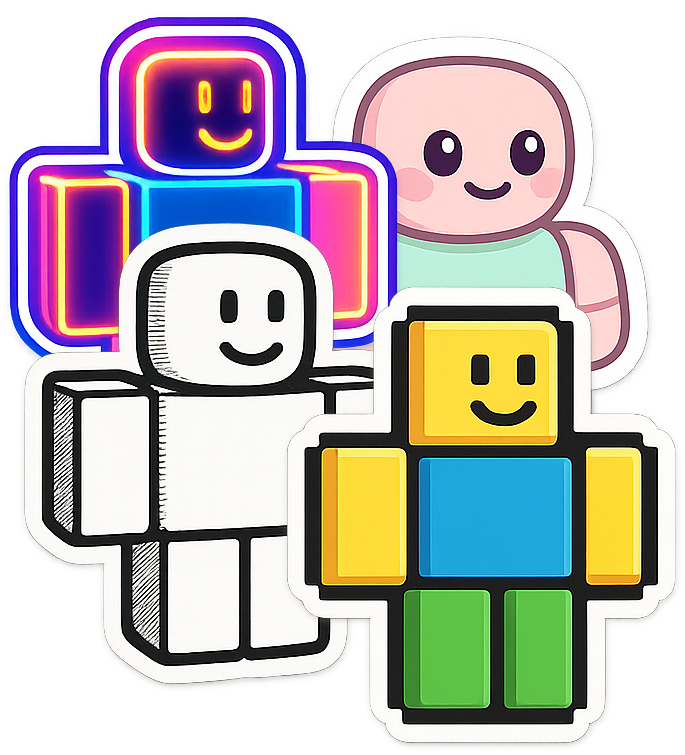
Decide which details make the outfit recognizable
Look at the avatar as a small profile image. Which features do you notice first? It may be a bright color palette, unusual hair, a hat, wings, glasses, a shoulder item, or the overall silhouette.
Those high-signal features matter most in a sticker. Very small details can disappear when the image is displayed beside a message, even if they look impressive on a full avatar render.
Before generating, equip the outfit you want on the public avatar and confirm the preview in StickerBlox. If you maintain several looks, make sure you selected the current public version rather than an older screenshot or a similarly named account.
Match the style to the amount of detail
Different art directions simplify an outfit in different ways:
- Chibi can emphasize the head, face area, and large accessories.
- Pixel art turns shapes into a deliberate low-resolution design.
- Gothic suits dark palettes and dramatic silhouettes.
- Tattoo-inspired treatments favor bold lines and strong contrast.
- Plush or fabric makes hard shapes feel softer and toy-like.
For an outfit with many layered accessories, select a style with clear edges and avoid judging only at full size. The best result is the one that stays recognizable as a chat sticker.
Let pose carry the reaction
Not every avatar has a conventional face, and some accessories intentionally cover it. A reaction sticker can still communicate through the body pose, angle, colors, and visual effects.
An excited pose can use lifted arms and energetic movement. A sleepy sticker can lean or slump. Victory can read through a confident stance. StickerBlox is designed to use these cues for faceless, abstract, and heavily accessorized avatars rather than inventing facial features that are not present.
Expect interpretation, not an exact asset export
StickerBlox creates a new AI-assisted illustration from the visible avatar reference. It is not exporting Roblox catalog assets or rendering an exact 3D copy.
That creative transformation is what allows one outfit to appear in different poses and visual styles, but it also means details can vary. Review the result before adding it to a pack. If an important accessory is unclear, try a cleaner visual style or another reaction with a pose that does not hide it.
Build the pack around one outfit
Keeping the same outfit across several expressions makes the set feel cohesive. Begin with a few reactions that show the silhouette from readable angles, then expand after you find the style that preserves the look best.
Use the custom Roblox sticker pack guide to plan the reaction mix, or start from the complete avatar-to-sticker tutorial.
Each generated sticker uses a credit, so testing one important reaction before building the full set is a practical way to choose the right style.
Give your favorite outfit a reaction pack
Find the public avatar wearing the look you want, choose a readable style, and create custom stickers with StickerBlox.